

Pi42 has introduced UPI as a deposit method on the platform, allowing eligible users to add INR funds quickly and securely. This guide explains how UPI deposits work on Pi42, including eligibility, UPI ID verification, deposit steps, timelines, and support options.
Note: UPI deposits on Pi42 are completely FREE and are typically credited within 15 minutes after a successful payment from a whitelisted UPI ID.
How to Set Up and Verify Your UPI ID
Step 1: Access UPI Deposits
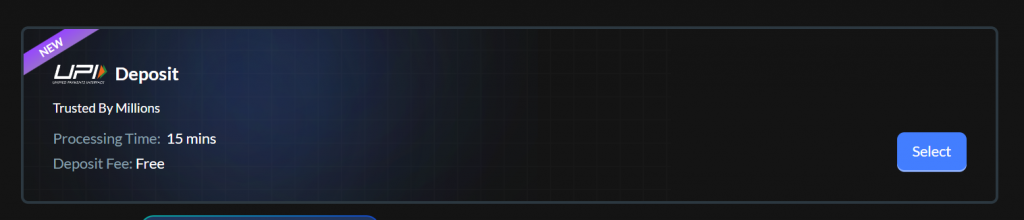
Eligible users will see the UPI deposit option marked as “Live” on Pi42.
Step 2: Select and Validate Your UPI ID
- Click on “Select” under the UPI option
- A new screen will show up to 5 fetched UPI IDs (masked)
- Choose one UPI ID and manually enter it again to confirm
- Submit to proceed

This manual confirmation acts as an additional security step, ensuring that the selected UPI ID belongs to the user.
Step 3: OTP Verification
- A mobile OTP will be sent
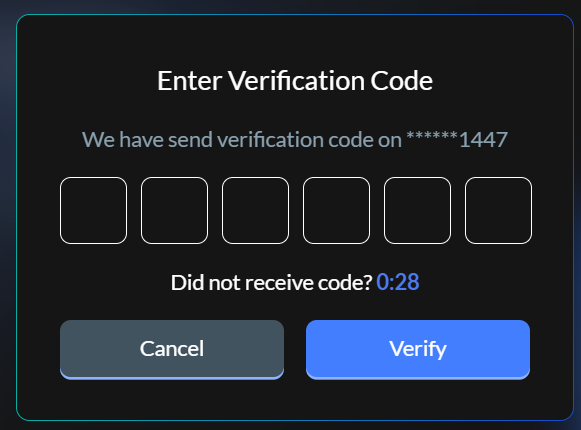
- Enter the OTP to complete validation
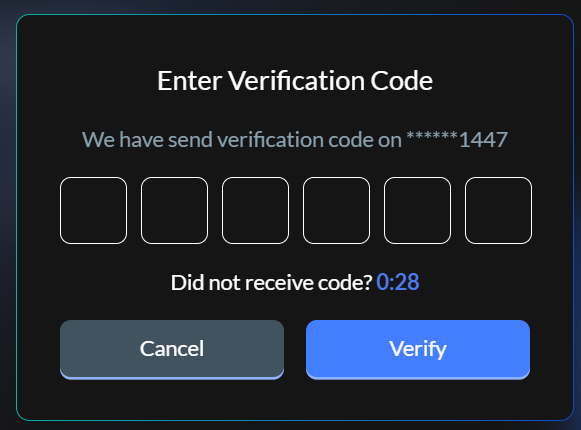
- Once successful, the UPI ID gets whitelisted for deposits

A confirmation message will appear after successful verification.
How to Make a UPI Deposit on Pi42
Note: UPI deposits are available only after completing KYC and bank verification.
Step 1: Enter Deposit Amount
- Click “Deposit Now”
- Enter the amount you want to deposit
- Minimum deposit amount: ₹500

Step 2: Complete the UPI Payment
- Click Proceed
- A modal opens with a QR code containing payment details
- Scan the QR code using your UPI app
- Complete the payment
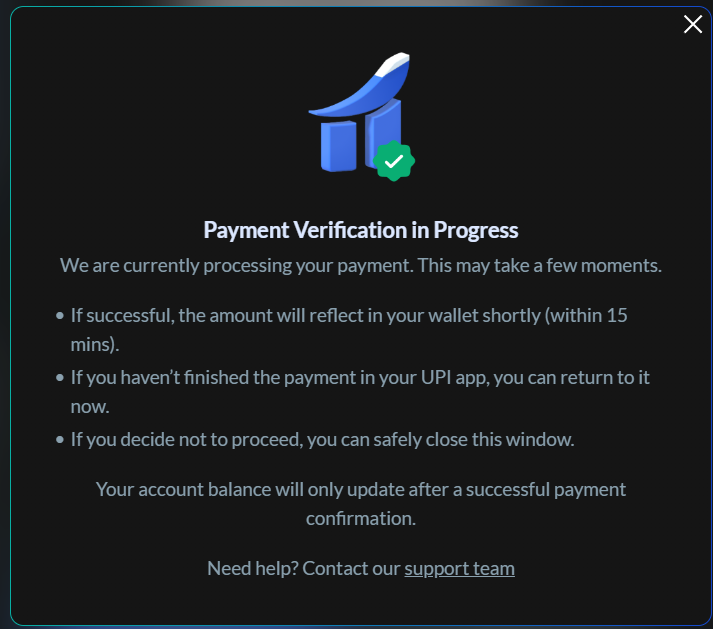
After payment, return to Pi42 where you will see a “Payment Verification in Process” message.
Important Deposit Rules
- Deposits must be made from a whitelisted UPI ID
- Payments from non-whitelisted UPI IDs:
- Will not be credited
- Will be refunded within 5–7 days, as per bank processing timelines
What Happens After You Pay? (Backend Process)
Pi42 follows a secure reconciliation process to ensure accurate crediting.
Bank Statement Sync
- Bank statements are fetched every 15 minutes
- Transaction data is uploaded to the system
Transaction Matching
- Deposit transactions are matched against whitelisted UPI IDs
- On a successful match:
- A deposit order is created
- Funds are credited to the user’s Pi42 account
Deposit Confirmation
- Users receive a “Successful UPI Deposit” email once the deposit is credited
Need Help With Your UPI Deposit?
If your deposit is not credited within 15 minutes, you can raise a support request:
- Click, “Can’t find your transaction?”
- Raise a support ticket
- Attach your UPI UTR number for faster resolution
Our support team will assist you promptly.
Frequently Asked Questions (FAQs)
How long does a UPI deposit take on Pi42?
UPI deposits are typically credited within 15 minutes, provided the payment is made from a whitelisted UPI ID.
What if I use a different UPI ID for payment?
Deposits made from non-verified UPI IDs will not be credited and will be refunded within 5–7 days.
Can I link multiple UPI IDs to my account?
Yes, you can whitelist up to 5 UPI IDs per Pi42 account.
My deposit is not showing. What should I do?
If your deposit doesn’t appear after 15 minutes:
- Use “Can’t find your transaction?”
- Share the UPI UTR number in your support ticket
Is there a minimum deposit amount for UPI payments?
Yes, the minimum UPI deposit amount is ₹500.
How do I know if I’m eligible for UPI deposits?
If UPI is enabled for you, it will appear as “Live” under deposit methods.
If it shows “Coming Soon”, the feature is not enabled yet.